Key takeaways
- A card purchase comes out of the right pocket on the day you make it.
- The same amount is set aside to pay that card, so the payment is covered when it's due.
- Paying the card is a transfer, not new spending, so nothing is counted twice.
- Card Cover is included on every plan, including Free.
A credit card splits every purchase into two moments: the day you buy something, and the day you pay the bill weeks later. Budgets often get confused between the two. Either the purchase and the payment both get counted, and your spending looks twice as high as it was, or the card is ignored until the statement arrives as a surprise.
Card Cover is how Aurelo handles this. It counts a purchase as spending when you make it, sets the money for the card aside at the same moment, and treats the payment as what it is: a transfer. This guide explains how it works, with an example, and what it means for the numbers you see in the app.
If you’d like the general method behind it, whatever tool you use, How to Budget When You Pay With Credit Cards walks through it step by step.
How Card Cover works
Card Cover does three things.
1. The purchase comes out of the right pocket
When you buy groceries on a credit card, the amount comes out of your groceries pocket, the same as if you’d paid with a debit card. Your pocket shows what’s left for groceries this month, however you paid.
That keeps each pocket honest. You find out on the 12th that eating out is running high, not when the statement shows up at the end of the month.
2. The money is set aside to pay that card
Your checking balance doesn’t change when you use a credit card. The money still looks available, but part of it is already owed to the card.
Card Cover handles that. When the purchase comes out of the pocket, the same amount is set aside to pay that card. Purchase by purchase, the money for the card builds up, so the payment is already covered when it’s due.
3. Paying the card is a transfer
When you pay the card from checking, Aurelo shows the payment as a transfer, not new spending. The spending already happened, one purchase at a time, when you used the card. The payment just moves money you’d already set aside from checking to the card.
That’s what keeps anything from being counted twice.
An example
Here’s an example of a month on one card:
| Purchase (example) | Amount | |
|---|---|---|
| Groceries | Groceries | $380 |
| Gas | Gas | $140 |
| Dinner out, twice | Eating out | $95 |
| Streaming | Subscriptions | $25 |
| Pharmacy | Health | $40 |
| Set aside for the card | $680 |
Over the month, $680 came out of five pockets, and $680 was set aside for the card as you went. When the statement arrives and you pay $680 from checking, it shows as a transfer. Your pockets don’t drop again, and your spending for the month stays at $680, not $1,360.
The real balance, always shown
Aurelo shows each card’s real balance: what you actually owe on it. It doesn’t adjust or hide part of the balance to make the picture look tidier.
Most of the time, if you use the card only for things in your budget and pay it in full, the balance and the money set aside match closely. If the balance is higher, something was bought that isn’t covered yet, such as a charge from before you started using Aurelo. Seeing the real number makes that gap easy to notice.
A card’s available credit is borrowing room, not money you have. Aurelo plans with the money you actually have.
In Aurelo: You still pay your card the way you do now, through your bank or the card company. Aurelo never moves money. Card Cover makes sure that when you pay, the money is already set aside and the payment doesn’t show up as spending.
Refunds and returns
When a return is credited to your card, it’s subtracted from spending in the pocket it came from. So a $60 return on something from your household pocket gives that pocket its $60 back.
Several cards
If you use more than one card, Card Cover works the same way for each. Every card’s purchases come out of the right pockets, and the money is set aside to pay that card. You budget by what you bought, not by which card you used: groceries are groceries whether they went on one card or another.
If you carry a balance
Card Cover handles purchases as you make them. If you already owe money on a card from before, it helps to treat the two things separately:
- New purchases are covered by Card Cover, from pockets, as you go. This keeps the balance from growing.
- The older balance is a debt you’re paying down. You can track it in a debt pocket, with its own monthly amount on top of your everyday spending.
Aurelo can also spot a loan in your transactions and ask whether you want to track it as a debt pocket. It never creates one without asking. The Free plan includes one debt pocket made by hand; Gold includes unlimited debt pockets and the Payoff Plan, which shows a debt-free date. How to pay off credit card debt covers strategies for the balance itself.
Card Cover and the rest of the app
Card Cover affects a few other numbers you’ll see:
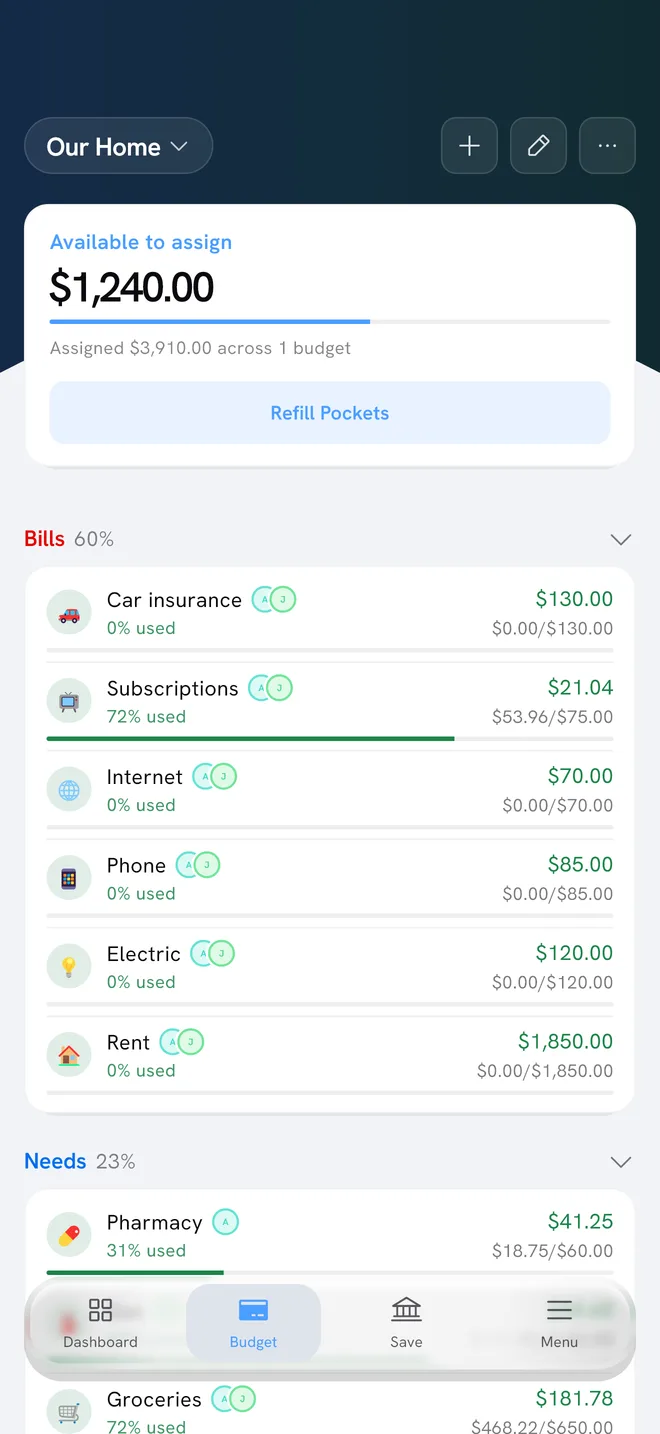
- Pockets show card and debit spending together, so what’s left in each pocket is accurate however you paid.
- Today’s Allowance starts from your checking balance and takes off the bills due before payday and what your pockets still need. A card’s balance and its available credit are not treated as spending money. What Today’s Allowance and Buffer Days Tell You explains the full calculation.
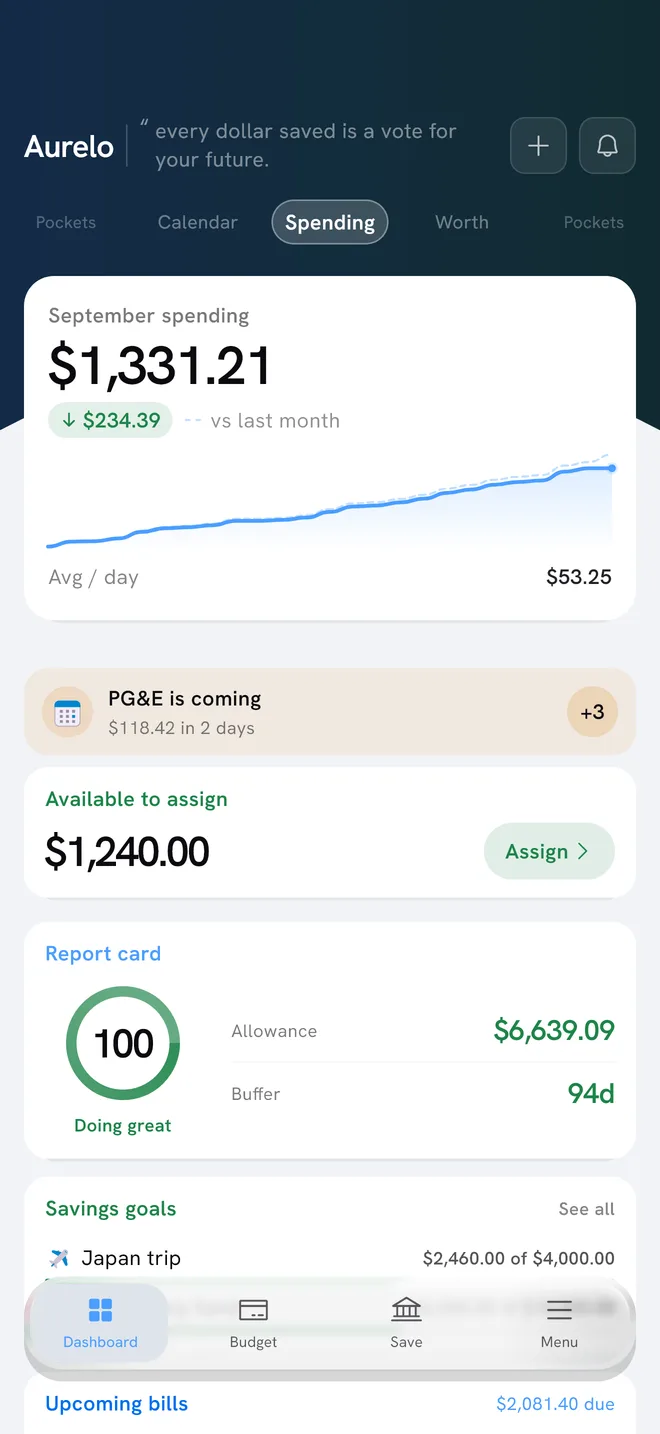
- Your spending totals count purchases once. Card payments aren’t added on top.
On every plan
Card Cover is included on every plan, including Free. Connect your checking account and cards through Plaid (read-only), and it’s part of how Aurelo builds and runs your budget from the start. Getting Started With Aurelo covers setup, and Pockets in Aurelo explains the pockets your card spending comes out of.
Common questions
How does Aurelo handle credit card purchases?
When you buy something on a credit card, Aurelo takes the amount from the pocket it belongs to, such as groceries or gas, and sets the same amount aside to pay that card. By the time the bill is due, the money for it is already waiting.
Why doesn't my credit card payment show as spending in Aurelo?
Because the spending already happened when you made the purchases. Paying the card just moves money from checking to the card, so Aurelo shows it as a transfer. Counting it as spending would count every purchase twice.
Is Card Cover a Gold feature?
No. Card Cover is included on every plan, including Free.
What if I already carry a balance on my card?
Card Cover handles new purchases. For an older balance you're paying down, you can use a debt pocket with its own monthly amount. Aurelo shows the card's real balance, so you always see what you owe.
Written by the Aurelo team. We build Aurelo, a budgeting app that reads your accounts read-only and never moves your money. Every claim about the app is checked against the app itself. This is general education, not financial, tax or legal advice.