Key takeaways
- You can save is what's left this month after your pockets and the bills still ahead.
- Aurelo never moves money: you transfer it in your own bank, then tap Log it.
- Logged saves build a running total and a monthly streak.
- Savings goals track progress toward a target: 3 on Free, unlimited on Gold.
Most people know they should save. The harder question is how much, this month, without shorting rent or the grocery budget. Guess too high and you end up moving money back. Guess too low and the extra quietly gets spent.
The Save tab answers that question with a number. It shows what you can save this month, lets you record the save once you’ve made it, and keeps track of your progress over time. This guide explains what the number means, why you move the money yourself, and how Log it, your streak and savings goals work together.
What “You can save” means
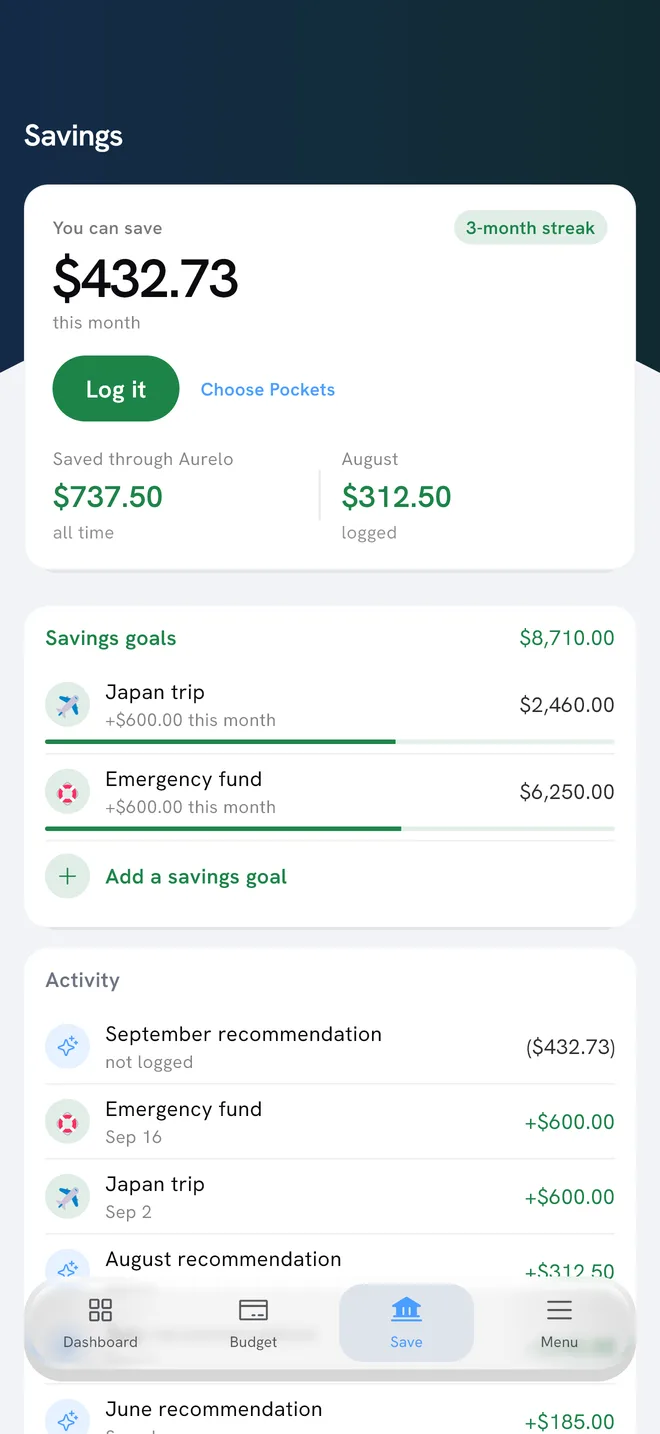
At the top of the Save tab, Aurelo shows “You can save $X this month.”
That figure is what’s left after two things are taken care of:
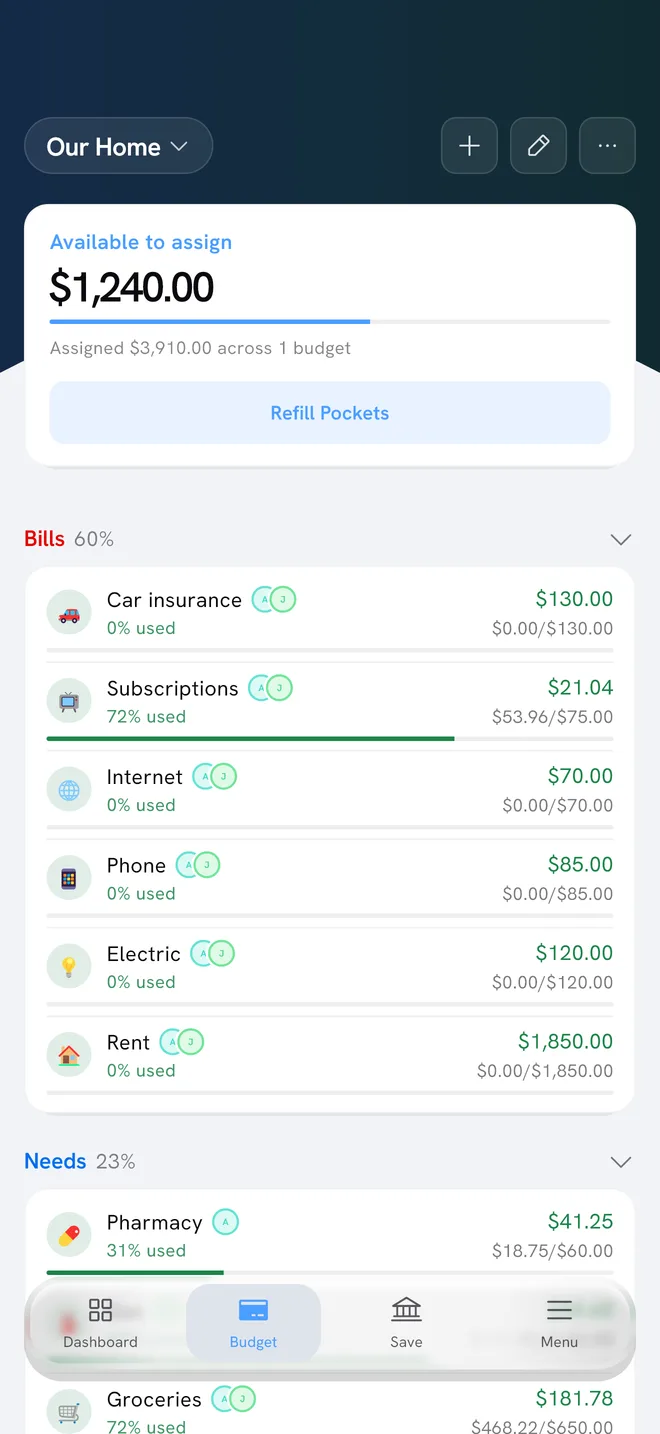
- Your pockets. Rent, groceries, gas, eating out, and everything else in your budget keep their planned amounts.
- The bills still ahead. Bills due later in the month are held back, so saving now doesn’t leave you short when they arrive.
In other words, it’s money your budget doesn’t need this month. You could leave it in checking, but it’s the natural candidate for savings.
An example
Here’s an example. Say that after your pockets are funded, $900 in your checking account isn’t assigned to anything. You still have a $350 car insurance payment and a $120 electric bill due before the month ends. The Save tab holds those bills back and shows You can save $430 this month.
The number changes as the month goes on. Spend more than planned in a pocket, or a new bill shows up, and it drops. Come in under plan, and it can grow.
You move the money; Aurelo tracks it
Aurelo never moves, holds or transfers money. The bank connection through Plaid is read-only. So the Save tab doesn’t send money anywhere. The saving itself happens in your own bank:
- Decide how much to save. It can be the full amount shown or any part of it.
- Move it yourself, using your bank’s app or website, from checking into savings or wherever you keep it.
- Come back and tap Log it.
That last step is what lets Aurelo keep track. The total shown on the Save tab is Aurelo’s record of the saves you’ve logged, not a savings account balance.
Doing the transfer yourself takes a minute longer, but it has an upside: every save is a decision you made, at an amount you chose.
Log it and your streak
Each time you tap Log it, Aurelo adds the save to your running total, shown as what you’ve saved through Aurelo, and to your recent activity.
It also keeps a monthly streak: the number of months in a row in which you logged a save. The streak counts months, not days, so one logged save a month is enough to keep it going. There’s no pressure to save every week, and a small save still counts.
A few ways people use the streak:
- Save right after payday. When the paycheck lands and You can save updates, move something and log it before the month gets busy. The habit behind paying yourself first works well here.
- Keep it small when money is tight. In a lean month, logging a modest amount keeps the streak going and the habit alive.
- Top up at month-end. If you came in under plan, the number may have grown. A second save is a good way to finish the month.
In Aurelo: The Save tab shows what’s possible; it never tells you that you must save a certain amount. If a month is tight, skipping a save is fine. You can pick it up next month.
Savings goals
Savings goals give your saves a destination. Set a goal with a name and a target, such as a “Japan trip” or an “Emergency fund”, and the Save tab shows your progress toward it.
Goals are useful because a target makes an amount feel real. “Save more” is vague. “$1,800 toward Japan by April” is something you can pace: $300 a month for six months.
A few common goals to consider:
- An emergency fund, so a surprise bill doesn’t end up on a credit card. How Big Should Your Emergency Fund Be? helps you set a target.
- A trip or a big purchase, with a target and a date. Saving for a vacation walks through the math.
- A cushion for the month before payday, if your checking balance often runs close to zero.
The Free plan includes 3 savings goals. Gold includes unlimited savings goals, along with the rest of what Gold adds. Aurelo Free vs Gold compares the plans in full.
Saves and the rest of your budget
The Save tab connects to the rest of the app in a couple of ways.
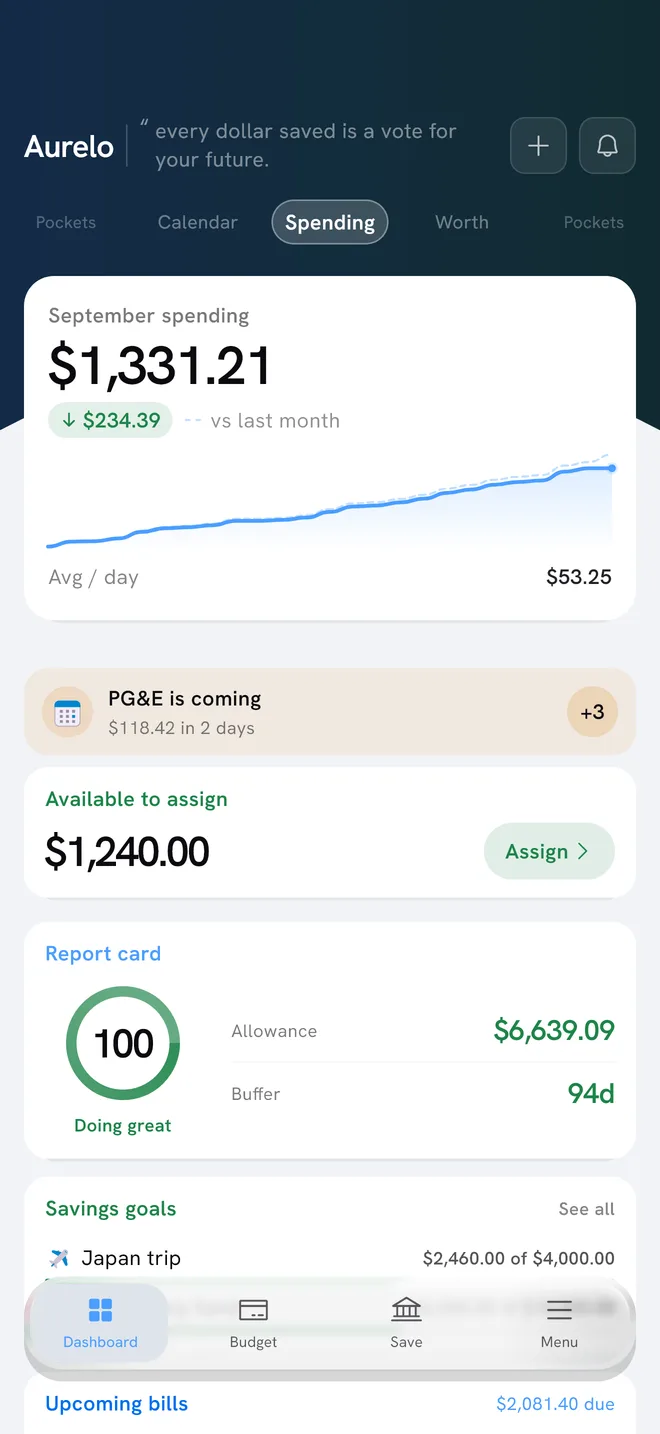
Your Aurelo Score, shown in the Report card on the Dashboard, is built from three parts: Buffer Days, pocket health and your savings rate. Regular saving is one of the things that lifts it.
Buffer Days measures how many days your cash, in checking and savings, would last at your average daily spending over the last 30 days. If your savings account is connected too, moving money from checking to savings doesn’t lower it, since both count. Spending less does raise it.
If you’re wondering how much of your income to aim for, this guide to a good savings rate covers common benchmarks and how to choose one for your situation.
Getting started with the Save tab
- Open the Save tab and look at You can save.
- If you don’t have one yet, set up a savings goal, even a small one.
- Move an amount you’re comfortable with in your bank.
- Tap Log it.
That’s your first month on the streak.
Common questions
How does Aurelo know how much I can save?
It looks at what's left this month once your pockets are covered and the bills still ahead are accounted for. That figure is shown on the Save tab as You can save, so you know the amount won't be needed by your budget.
Does Aurelo transfer money into my savings account?
No. Aurelo never moves, holds or transfers money. You move the amount yourself through your bank, then tap Log it so Aurelo can track it.
What does the savings streak count?
The streak counts months in a row in which you logged a save. One logged save in a month is enough to keep it going.
How many savings goals can I have in Aurelo?
The Free plan includes 3 savings goals. Gold includes unlimited savings goals.
Written by the Aurelo team. We build Aurelo, a budgeting app that reads your accounts read-only and never moves your money. Every claim about the app is checked against the app itself. This is general education, not financial, tax or legal advice.